The buttons at the bottom of the Validation view can be used to fix most anomalies found during validation. When you select a highlighted item from the results list, the buttons that are applicable to the problem will be enabled.
| Button | Function |
|---|---|
|
Start |
Click to start the Validation of the SVCMON. |
|
Reset TRS Entries |
Use to add missing, or to reset invalid SVCMON UDC definitions in the Table Reference Service. |
|
Reset Template Points |
Use to reset invalid Template Point configuration records. |
|
Reapply Template |
Reapplies the Template Point’s configuration properties to an invalid SVCMON Point. |
|
Configuration Editor |
Opens the PNT Editor so that the point can be manually fixed. |
|
Fix |
The SVCMON Administration has the ability to take default action to fix an anomaly found during validation. |
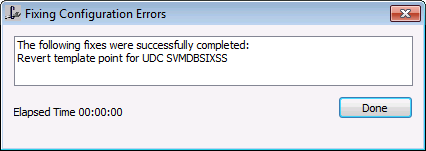
After selecting a fix option, a message box will be displayed indicating the results of the fix.
Not all problems may be able to be resolved using the Validation fix options. You may have to delete and re-add points. See Invalid Timers.
|
|
|

